Maple Leaf Math
Maple Leaf Math app icon

A spaceship crashed in the park.
Math is how you help.

Penny and her best friend Theo sneak out one night to find a stranded alien named Orbi. Every door, keypad and bridge on the way is a math puzzle, matched to your child's level from kindergarten up to 5th grade.

Download on theApp Store Coming soon toGoogle Play For iPhone, iPad and Android ยท The first chapters are free

โ–ถ Watch the trailer

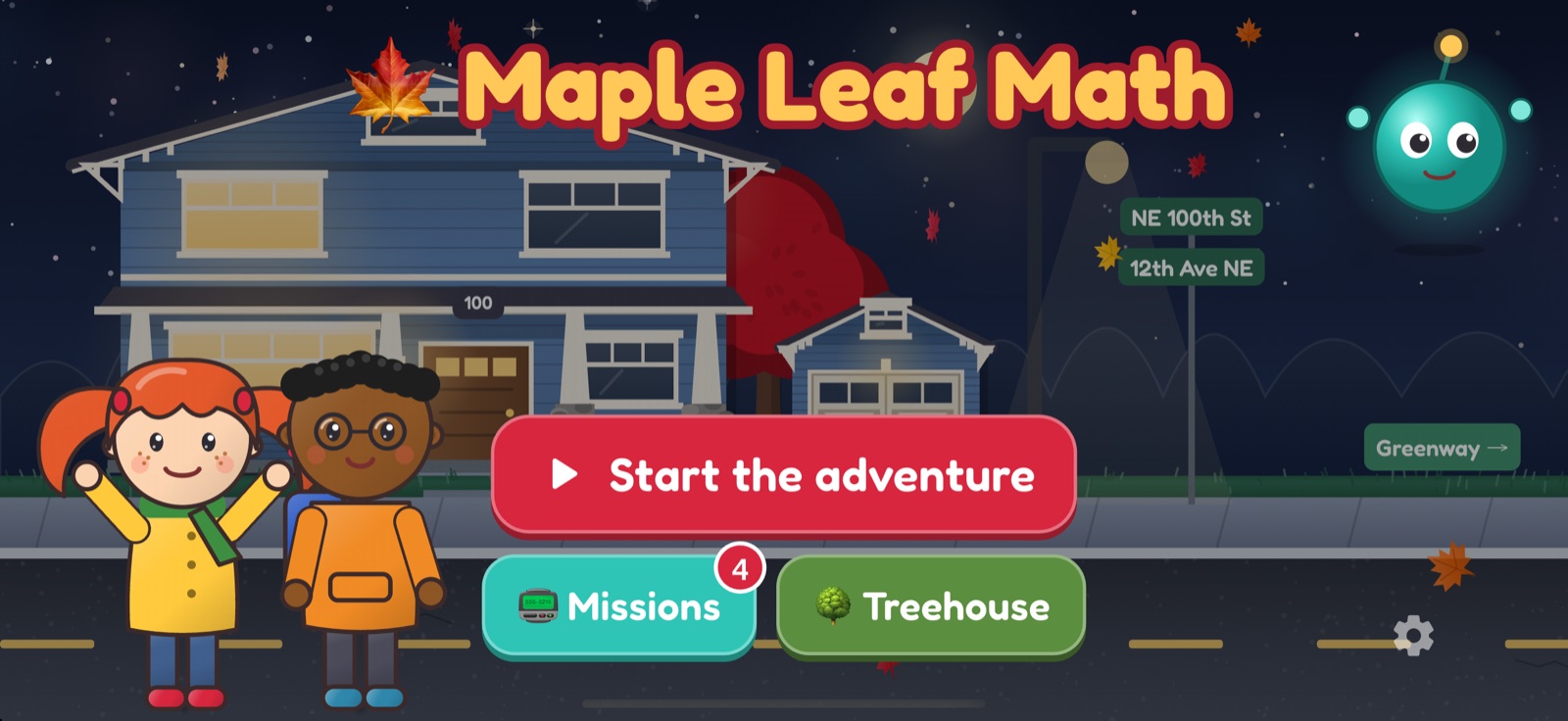
The title screen: Penny, Theo and Orbi outside Penny's house at night

The trailer

Something just fell out of the sky.

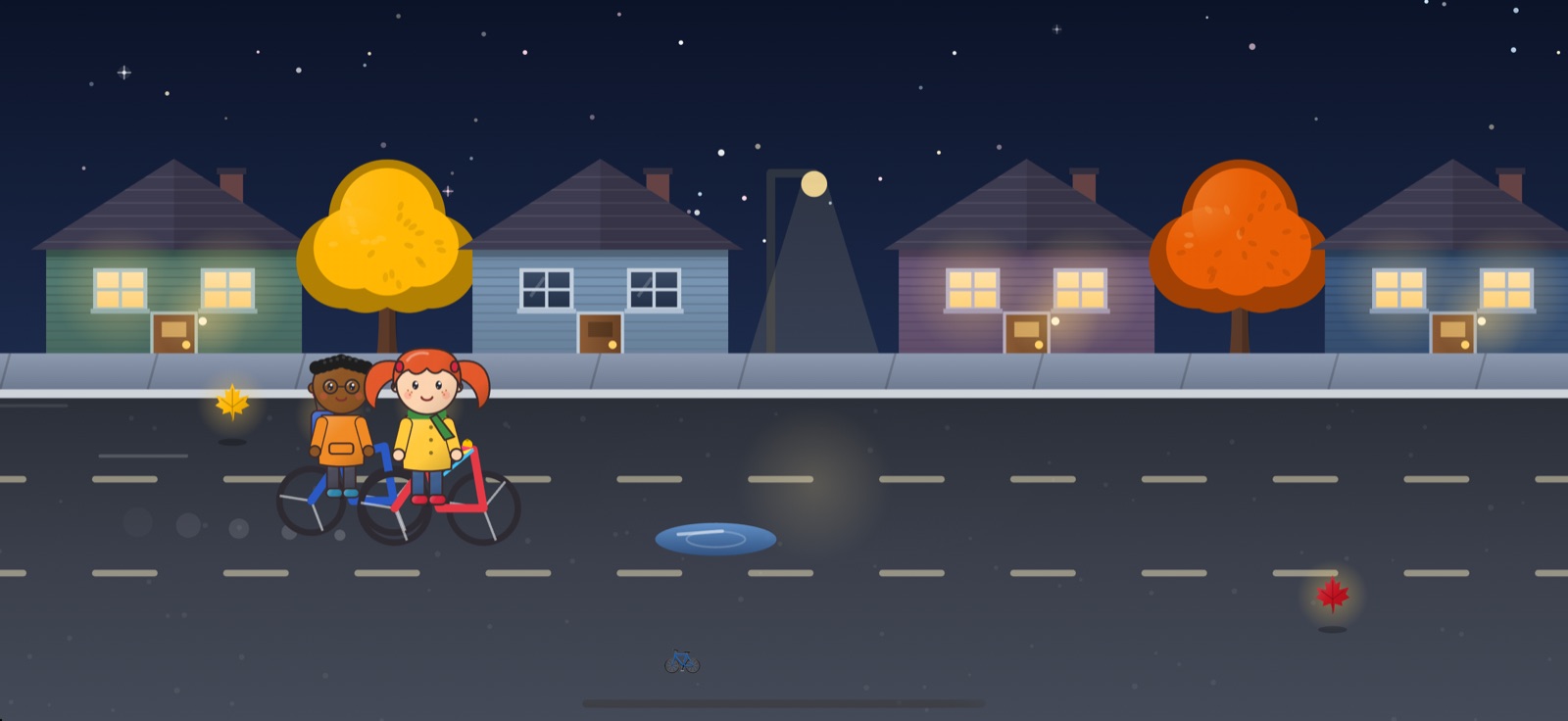
Every picture is from the game, and so are Penny's and Theo's voices.

The story

One night. One alien.
A whole neighborhood of puzzles.

It's past bedtime when something streaks across the sky and crashes in Maple Leaf Park. Penny tiptoes down the squeaky stairs, cracks the garage code, and bikes down the greenway with Theo to find Orbi, a little glowing alien whose ship has broken into pieces.

  • Nine chapters set in a real Seattle neighborhood: the greenway, the park, the water tower and a secret city hidden under the reservoir.
  • A cast to love: brave, speedy Penny, careful Theo, flustered Orbi, and Crowley, a crow who trades shiny things and sarcasm.
  • After the ending, the whole town opens up in daytime, with shops to visit, a bike race and bonus episodes.
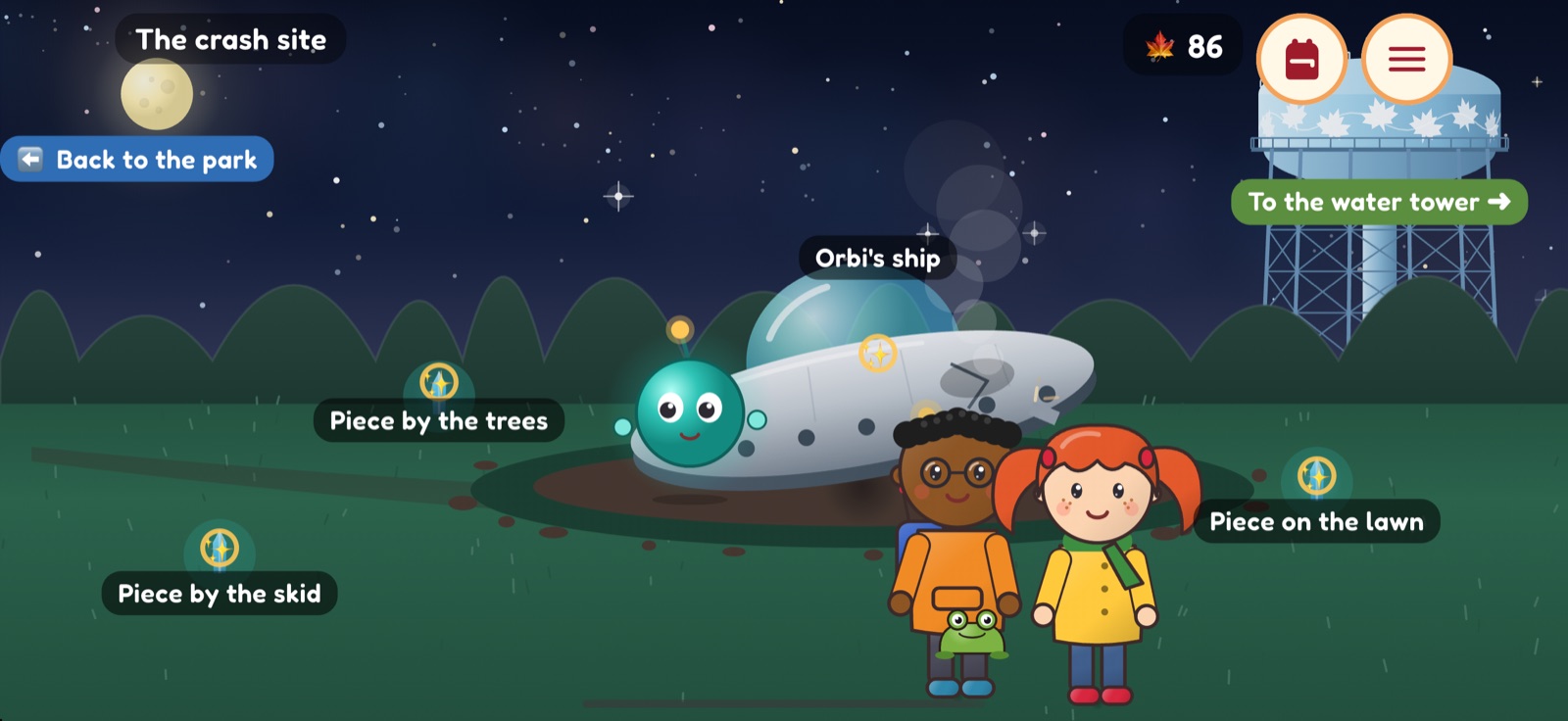
The crash site at night: Penny and Theo find Orbi beside the smoking ship

The math

Math is the key to every door.

There are no worksheets here. The math is the lock on every keypad, the plank count on every bridge and the price of everything at the alien market, so every problem has a reason.

  • Covers Kโ€“5 math: counting, place value, addition and subtraction, multiplication and division, fractions, time, money, measurement, data and geometry, with peeks at grade 6.
  • Getting ready for MAP Growth? An optional mode follows the skills on your child's grade's MAP Growth plan.
  • Adaptive: most problems sit right at the edge of what your child can do, with some review mixed in and the odd stretch from the next level up.
  • Wrong answers bring a gentle hint, then a picture (blocks, a number line, an array), then a step-by-step walkthrough and a new problem like it.
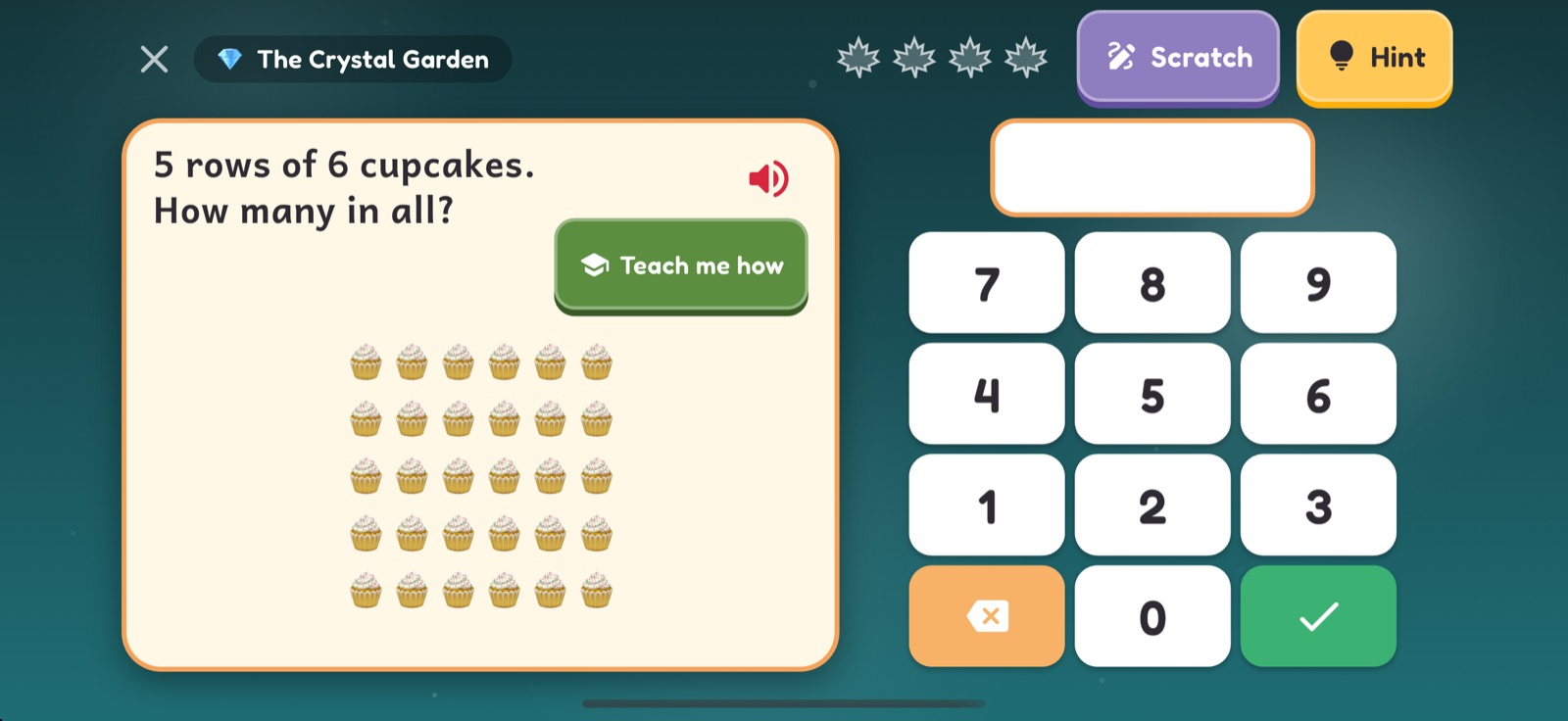
A puzzle gate in the crystal garden: 7 times what equals 49, with a big number keypad

Teach me how

Stuck? Ms. Juniper will show you.

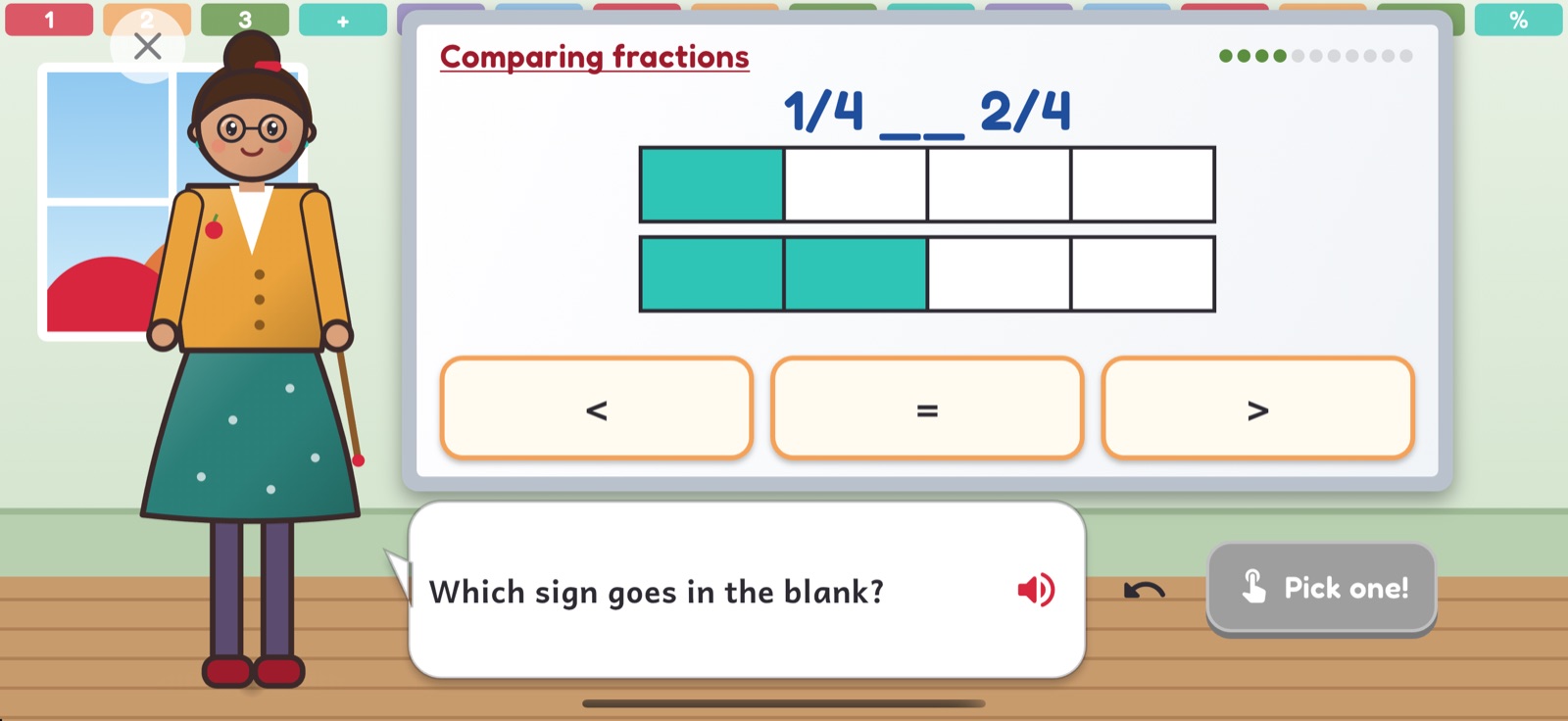
Every question has a Teach me how button. It opens Penny's classroom, where her teacher walks through the idea at the whiteboard with her own fresh numbers and asks the class questions along the way.

  • A short, spoken lesson for every skill in the game.
  • Never gives away the answer on screen: it teaches the idea, then sends you back to try.
Ms. Juniper's whiteboard lesson on comparing fractions, asking which sign goes in the blank

Think it through

Puzzles that build reasoning, not just facts.

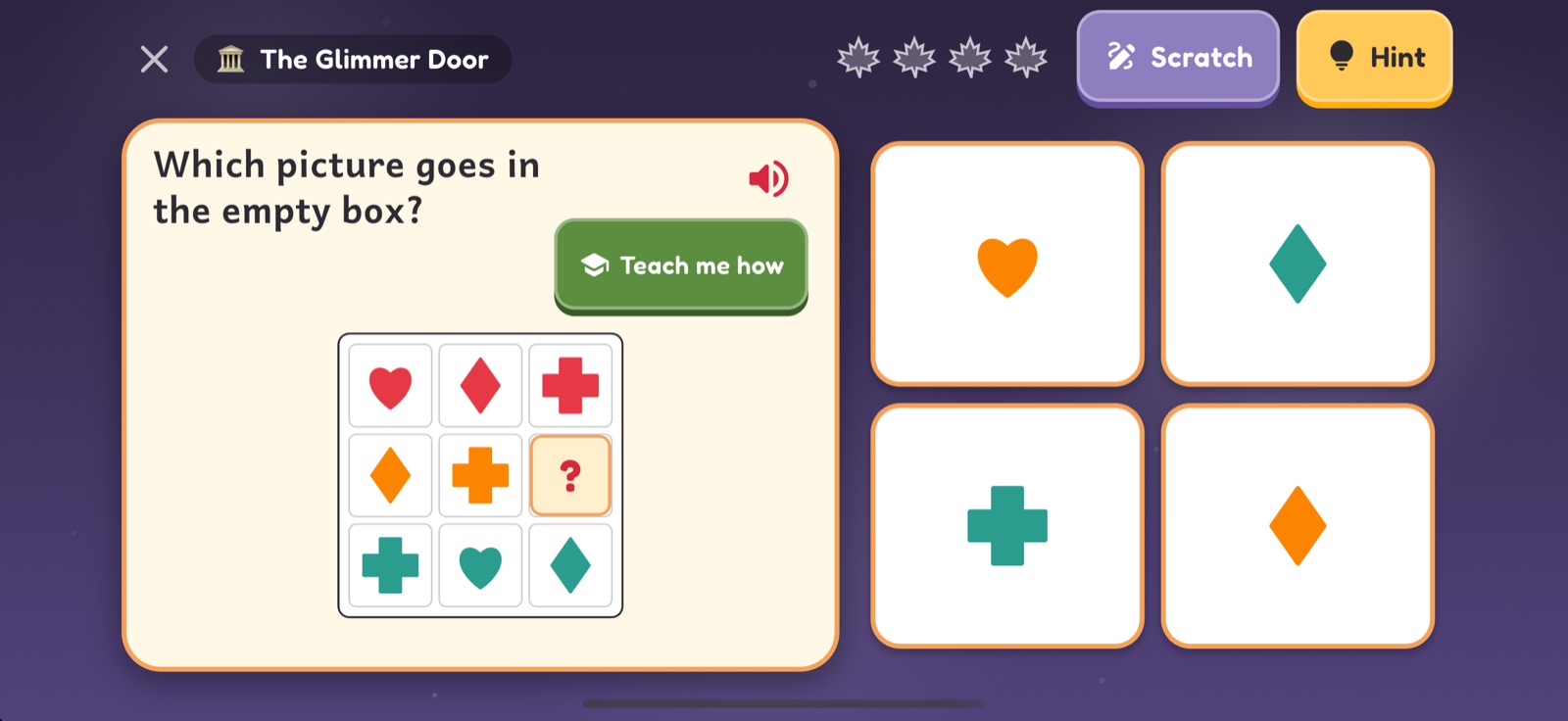
Mixed in with the math are picture puzzles that grow flexible thinking: what comes next, which tile completes the grid, where the holes land when you unfold the paper.

  • Number series, balance scales and number analogies.
  • Figure grids, odd one out, rotations and paper folding.
  • Picture analogies and sorting, all read aloud.
A glimmer door puzzle: which picture goes in the empty box of a three by three grid of shapes

Ride, explore, collect

Bikes, books and a city under the reservoir.

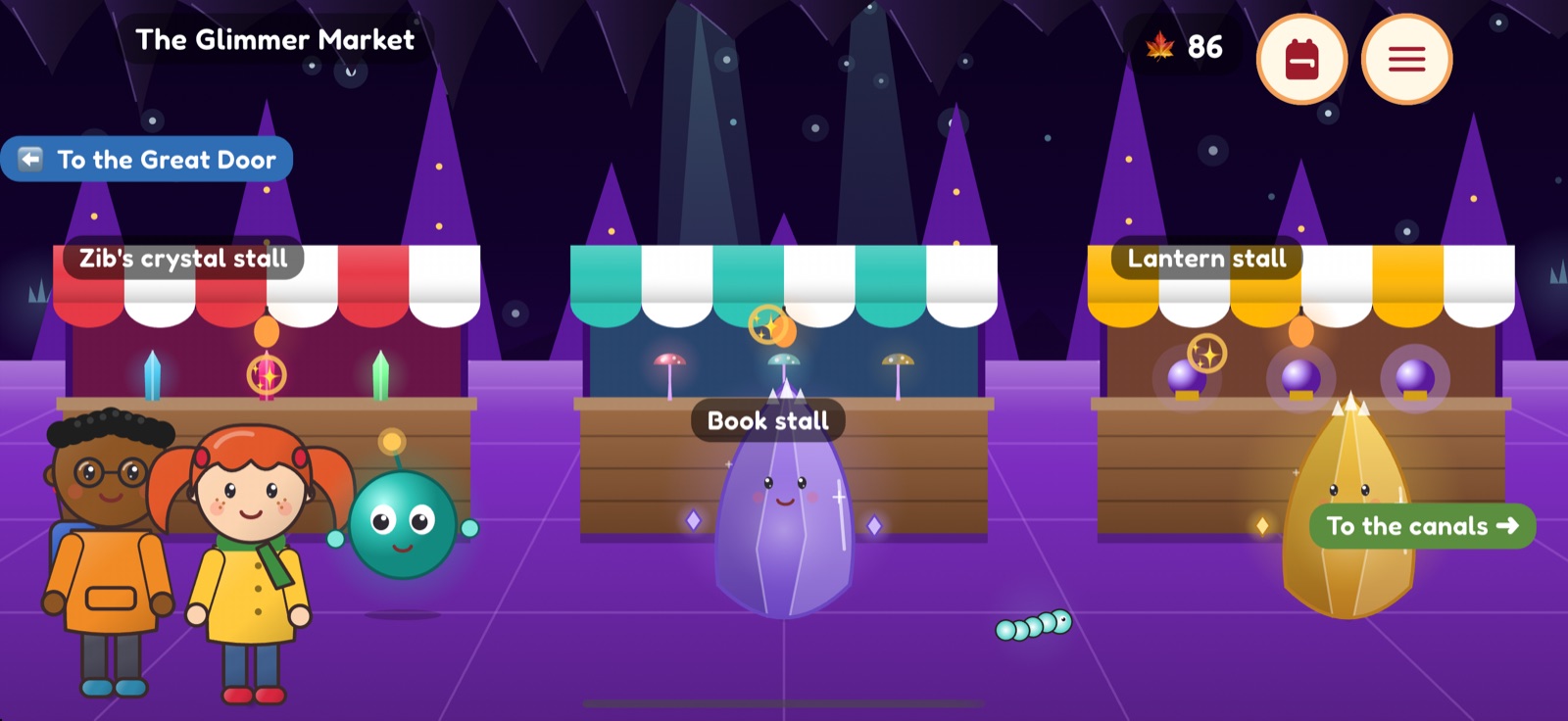
Ride the greenway, pick routes at traffic circles and collect maple leaves. Below the reservoir, the glowing city of Glimmerdeep has a market, canals and crystal gardens to grow.

  • 22 little books hidden in Little Free Libraries, each one read aloud.
  • Night critters to find in every scene, each with a real nature fact.
  • A sticker for every skill your child masters.
The Glimmer Market in the crystal city under the reservoir Biking down the greenway at night

The treehouse

Spend your leaves on things that teach.

Maple leaves buy scarves, bike colors and treasures for the treehouse, and every treasure is a little toy to play with.

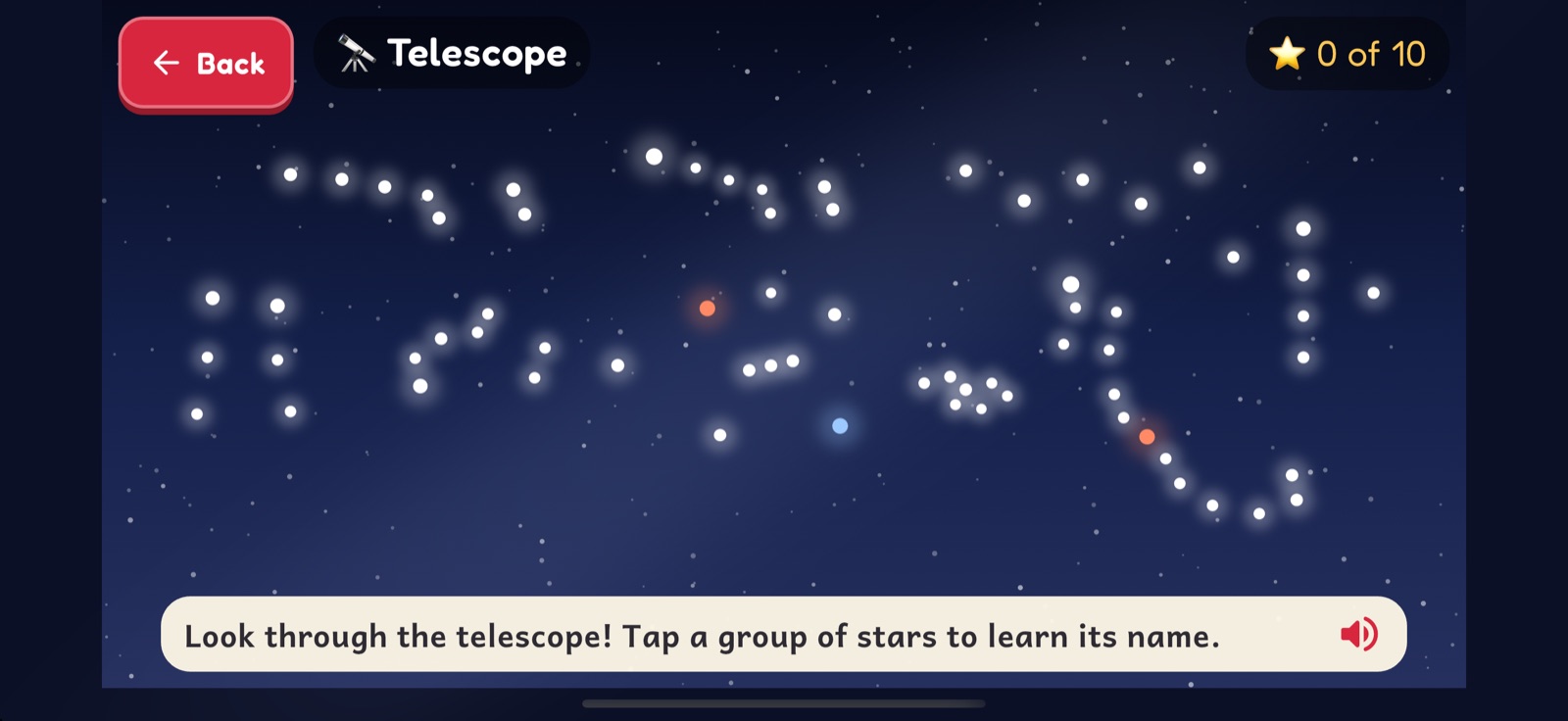
  • A telescope with ten constellations, a spinning globe, a rocket that tours the planets.
  • A fish tank to count, a plant to measure as it grows, a crystal with faces, edges and corners.
  • A guitar, a lava lamp, and a teddy bear for slow, calm breaths.
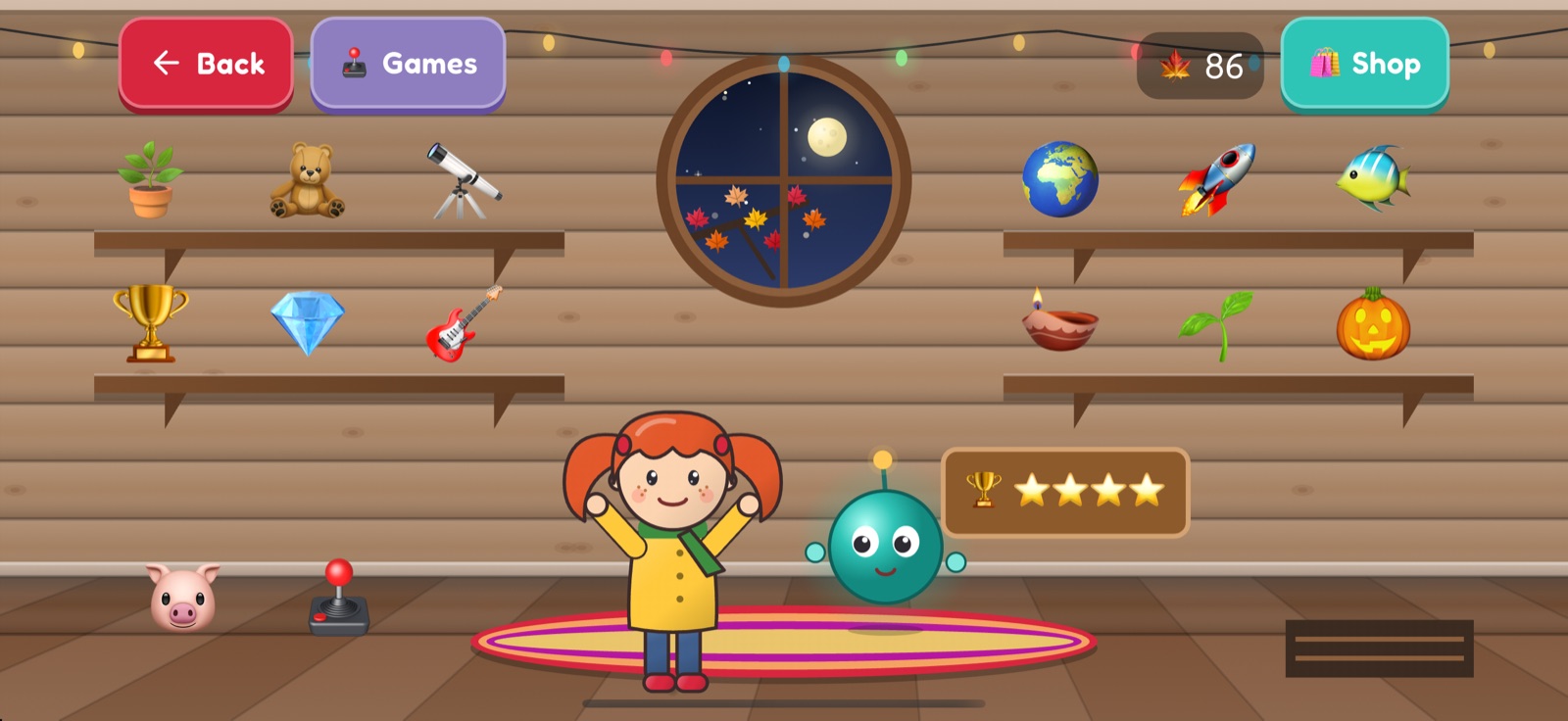
Penny and Orbi in the treehouse with shelves of toys The telescope toy showing a starry sky

For grown-ups

Maple Leaf Math was made by a parent in Seattle for their own young mathematician. Here's what you can expect.

๐Ÿ“ˆ A real picture of progress

The parent area shows a mastery map of every skill by strand and level, recent answers, time played and the skills that need more work.

๐ŸŽฏ Practice the skills on MAP Growth

Turn on MAP Growth mode and problems follow the skills on your child's grade's MAP Growth plan, from well below to well above grade level. Enter their latest scores as starting points, and the parent area tracks an estimated level on the RIT scale.

๐Ÿงญ Set it to your child

Pick a grade from K to 5 at first launch, or stick to grade-level topics without MAP Growth. You can also weight the areas you want to practice more.

โณ No pressure

No timers on the math, no streaks to lose, no loot boxes. Set a daily time limit if you like, and the story always ends at a natural stopping point.

๐Ÿ”’ Private by design

No ads, accounts, analytics or tracking, and the app never goes online. Move progress between devices with a save file you export yourself. Privacy policy

๐Ÿงฉ Accessible

Everything is spoken, words light up as they're read, buttons are big, color never carries meaning alone, and reduced motion is respected.

๐Ÿ›ก๏ธ Grown-ups only, behind a gate

The parent area and the unlock sit behind a grown-ups check. Your child only ever sees "ask a grown-up".

Free to start. One purchase for the whole story.

The prologue and first two chapters are free, along with the treehouse. A single $4.99 purchase unlocks the rest of the adventure and the bonus episodes, for keeps, shared with your family through Family Sharing. No subscriptions, nothing else for sale.

Get Maple Leaf Math on the App Store for iPhone and iPad.

Questions? Visit support or email bugjugapp@gmail.com.